

How to optimize workflow: proven strategies for productivity

Wasted time is one of the most expensive problems a team can have. Research shows that employees spend nearly 60% of their time on low-value tasks like searching for information, attending unproductive meetings, and managing redundant processes. That adds up to dozens of lost hours every week across even a small team. Workflow optimization is the structured answer to this problem. This guide walks you through exactly how to map, improve, measure, and sustain better workflows using evidence-backed frameworks that real teams use every day.
Table of Contents
- What is workflow optimization and why does it matter?
- Preparation: Mapping and diagnosing your current workflow
- Execution: Proven methods and steps for workflow optimization
- Verification: Measuring and sustaining workflow gains
- Common pitfalls and expert solutions in workflow optimization
- Take your workflow further with TechMoths resources
- Frequently asked questions
Key Takeaways
| Point | Details |
|---|---|
| Map before you change | Always chart your actual workflow steps before making improvements for better results. |
| Prioritize high-impact fixes | Focus on quick wins with high return and low effort to build momentum and gain buy-in. |
| Standardize before automating | Only automate well-defined processes to avoid replicating inefficiencies. |
| Measure your improvements | Use baseline and ongoing metrics like cycle time and error rates to verify workflow gains. |
| Continuous improvement is key | Sustain success by regularly reviewing and updating your processes for ongoing optimization. |
What is workflow optimization and why does it matter?
Workflow optimization means systematically reviewing and improving the steps, tools, and handoffs your team uses to complete recurring tasks. It is not about working harder. It is about removing friction so the same effort produces better results.
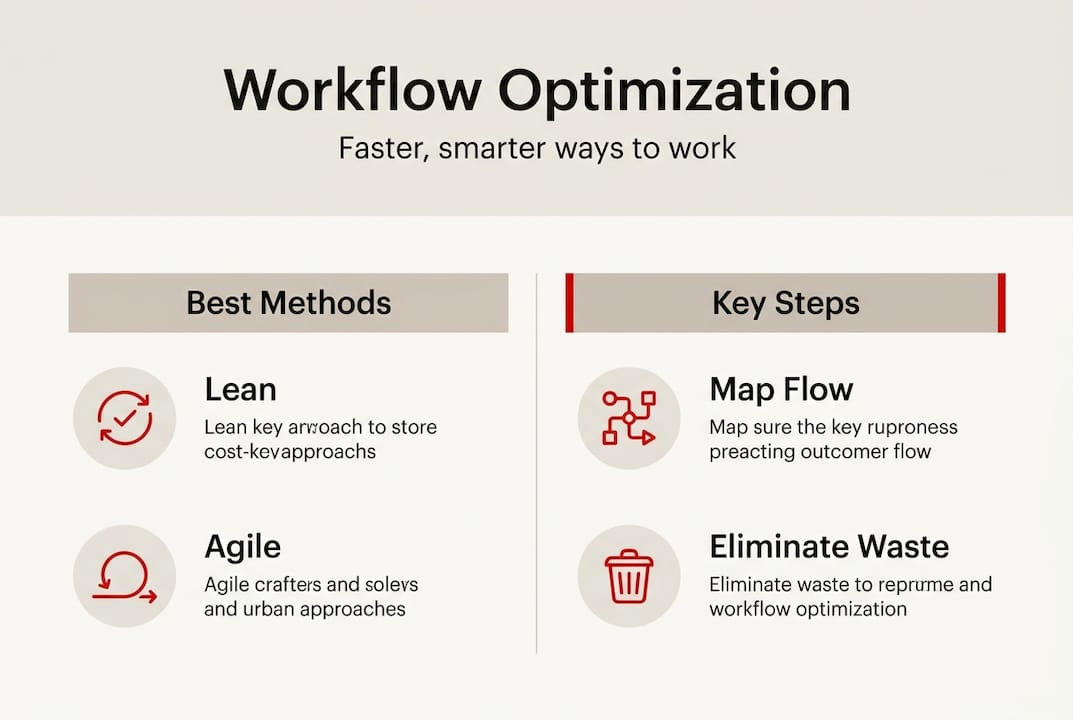
Several proven methodologies guide this work. Lean process improvement focuses on cutting waste from every step. Six Sigma targets error reduction through data. Kaizen promotes continuous, incremental improvement as a daily habit. Agile breaks work into short cycles so teams can adapt quickly. Most high-performing teams use practical hybrids of these approaches rather than following one method rigidly.
The business case is strong. Automation in business alone delivers 20 to 30% efficiency gains and can generate up to 300% ROI over time. Teams that embrace Agile methodology benefits report faster delivery cycles and fewer costly errors. The impact is felt across every department.
“Workflow optimization is not a one-time project. It is an ongoing discipline that separates high-performing teams from those constantly fighting fires.”
Here is a quick look at how different teams benefit:
| Team | Common workflow problem | Optimization benefit |
|---|---|---|
| Finance | Manual data entry errors | Automated reconciliation, fewer mistakes |
| Marketing | Approval bottlenecks | Streamlined review cycles, faster launches |
| Development | Unclear task handoffs | Agile sprints, cleaner delivery |
| Operations | Redundant reporting | Centralized dashboards, time savings |
Key benefits of workflow optimization include:
- Higher output with the same or fewer resources
- Faster project delivery and shorter cycle times
- Fewer errors and less rework
- Improved team morale through reduced frustration
- Greater visibility into where time and effort actually go
Preparation: Mapping and diagnosing your current workflow
Before you change anything, you need an honest picture of how work actually flows today. Not how it is supposed to flow. How it actually happens. This distinction matters more than most teams realize.

Start by mapping current processes to surface bottlenecks and waste that are invisible in day-to-day work. Engage the people doing the work, not just managers. Frontline team members know where the real delays and workarounds live.
Follow these steps to map your workflow clearly:
- List every step involved in completing the process from start to finish.
- Identify the inputs and outputs at each step.
- Note who is responsible for each step and what tools they use.
- Highlight any delays, rework loops, or approval waiting periods.
- Mark steps that are repeated, redundant, or unclear in ownership.
Visual tools make this process much easier. Kanban boards show work in progress at a glance. Flowcharts reveal the sequence and decision points. Swimlane diagrams clarify who does what across departments. Even a simple whiteboard sketch is more useful than a vague verbal description.
Consider pairing this effort with going paperless where possible. Digital documentation makes workflows easier to update, share, and audit over time.
Pro Tip: Do not try to fix every workflow at once. Focus first on processes that happen frequently and have a high impact on output. Early wins build the team’s confidence and create momentum for bigger changes.
Execution: Proven methods and steps for workflow optimization
With a clear map in hand, you are ready to act. The most effective optimization framework follows four stages: eliminate, synchronize, streamline, and automate. Work through them in that order.
Here is a practical step-by-step process for a typical team:
- Eliminate steps that add no value. If a task exists only because it always has, question it.
- Synchronize handoffs between team members so work does not sit idle waiting for the next person.
- Streamline the remaining steps by standardizing how they are done and reducing variation.
- Automate repetitive, rule-based tasks only after the process is clean and stable.
- Use an impact/effort matrix to prioritize which improvements to tackle first.
- Run a pilot with a small team before rolling out changes organization-wide.
- Apply PDCA cycles (Plan, Do, Check, Act) to test and refine each change.
The practical steps of eliminating waste before automating are critical. Automating a broken process just makes the problems happen faster.
The numbers behind optimization are compelling. AI workflow studies show that AI tools like Microsoft Copilot reduce email processing time by up to 31% and speed up document tasks by 12%. Developer productivity improves by over 26% with AI-assisted coding. These are not marginal gains.
For teams building creative or content workflows, the ad creative workflow guide offers a detailed step-by-step model worth reviewing. Exploring AI content editing tools and AI-generated workflow tools can also accelerate the streamlining phase significantly.
Here is a comparison of the major methodologies to help you choose the right fit:
| Methodology | Best used when | Core strength |
|---|---|---|
| Lean | Processes have visible waste or delays | Cuts non-value steps fast |
| Six Sigma | Errors and defects are the main problem | Data-driven error reduction |
| Agile | Requirements change frequently | Fast iteration and adaptability |
| Kaizen | Culture of improvement is the goal | Sustainable, team-driven gains |
Pro Tip: Combining Lean and Agile gives you the best of both worlds. Lean removes waste from the process structure while Agile keeps the team responsive to change. Many high-performing teams use this hybrid approach by default.
Verification: Measuring and sustaining workflow gains
Optimizing a workflow is only half the battle. The next challenge is confirming that changes actually worked and making sure improvements do not quietly erode over time.
The right metrics tell the real story. Measure cycle time, throughput, and errors before and after any change so you have a clear baseline for comparison. Team satisfaction scores also matter. A workflow that looks efficient on paper but burns people out is not truly optimized.
Useful tools for tracking improvement include:
- Simple spreadsheets for before-and-after cycle time comparisons
- Project management dashboards (Asana, Monday.com, Jira) for throughput visibility
- Weekly team retrospectives to surface friction points early
- Error logs and defect tracking to monitor quality over time
- Employee feedback surveys to capture the human side of workflow changes
Here is an example of what meaningful improvement looks like in practice:
| Metric | Baseline | After optimization |
|---|---|---|
| Cycle time per task | 4.2 days | 2.6 days |
| Weekly throughput | 18 tasks | 27 tasks |
| Error/rework rate | 14% | 5% |
| Team satisfaction score | 6.1/10 | 8.4/10 |
Sustaining gains requires structure. Schedule regular reviews, at least quarterly, to check whether the improved process is still being followed. Invite stakeholder feedback at each review. Stay current with AI workflow trends because new tools can open up improvement opportunities that did not exist even a year ago.
“Validation and exception handling are required for AI-enhanced workflows. Automation does not eliminate the need for human judgment—it changes where that judgment is applied.”
The PDCA cycle (Plan, Do, Check, Act) is the engine of continuous improvement. Run it regularly, not just when something breaks.
Common pitfalls and expert solutions in workflow optimization
Even well-intentioned optimization efforts fail. Knowing the most common mistakes in advance gives your team a real advantage.
Common pitfalls include overengineering simple processes, automating before standardizing, neglecting team training, and creating single points of failure where one person’s absence stops everything.
Watch for these warning signs:
- A process has more approval steps than actual work steps
- Team members have created personal workarounds nobody else knows about
- Automation is being proposed for a process that changes frequently
- Only one person understands how a critical workflow actually runs
- Change is being rolled out without involving the people affected
The expert solution is straightforward. Standardize before you automate. Pilot changes with a small group before scaling. Always involve the team in designing improvements, not just implementing them. Review the seamless workflow checklist for a practical model of how structured checklists prevent common errors.
Avoid the common mistakes when choosing a technology partner as well. The wrong tool can create more complexity than it solves.
“Never automate before you standardize. Otherwise, you accelerate existing problems rather than solving them.”
Pro Tip: Use the ADKAR change management model (Awareness, Desire, Knowledge, Ability, Reinforcement) when rolling out workflow changes. It gives you a clear framework for managing the human side of process improvement, which is where most optimization efforts actually fail.
Take your workflow further with TechMoths resources
Now that you have a solid foundation for workflow optimization, the next step is going deeper on the strategies that matter most to your team. TechMoths offers a growing library of practical guides covering everything from advanced automation strategies to Agile project success frameworks that real teams use.
Whether you are looking to reduce manual work, improve team coordination, or explore smarter tools, TechMoths has resources to support every stage of your optimization journey. Check out guides on price monitoring solutions for e-commerce teams, or browse the full catalog for insights tailored to your industry. Bookmark the site, share articles with your team, and return regularly as new guides are published. The best workflow improvements are the ones you actually implement.
Frequently asked questions
What are the best starting points for workflow optimization?
Map your current processes first, then target high-frequency, high-impact tasks for improvement. Starting with visible bottlenecks builds early momentum and team buy-in.
Which is more effective: automating or redesigning processes?
Redesigning your workflow before automating delivers the highest long-term ROI. Automating a flawed process only speeds up the existing problems rather than fixing them.
How can AI specifically help in workflow optimization?
AI tools reduce email time by 7 to 31%, speed up document tasks by 12%, and improve developer productivity by over 26%. The gains are measurable and consistent across industries.
What are common mistakes to avoid during workflow optimization?
Avoid automating processes that are not yet standardized and resist the urge to overcomplicate simple workflows. Overengineering and premature automation are the two most frequent causes of failed optimization efforts.
How do you measure if workflow changes are successful?
Track cycle time, throughput, and error rates before and after changes. A clear baseline makes it easy to see whether improvements are real or just perceived.
